
Best Buy Apple Watch: Choose the Right Model for Your Budget
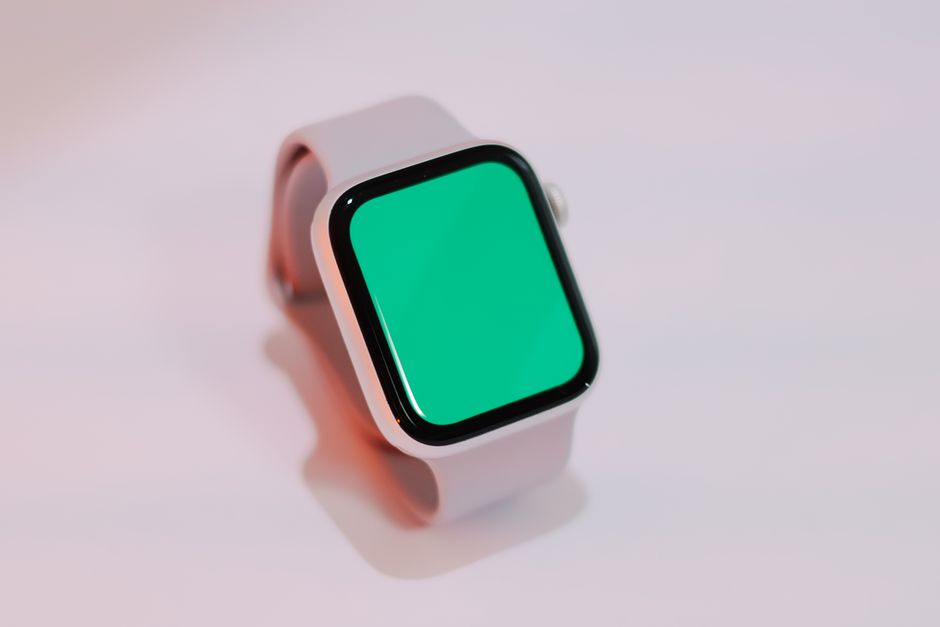
The best buy Apple Watch depends on what you will use: choose SE 3 for everyday essentials at a $249 starting price, Series 11 for ECG and additional health features at $399, or Ultra 3 for demanding outdoor use and longer battery claims at $799. A discounted prior-generation model can be better value if its features meet your needs and its final price, condition, and trade-in terms check out.
Which Apple Watch should I buy at Best Buy: SE, Series, or Ultra?
Choose SE for core everyday tracking at a lower starting price, Series for added health features, and Ultra for outdoor-focused tools and longer stated battery life. That is the useful split: pay for the features you will use, not simply the highest tier.
Apple lists U.S. starting prices of $249 for SE 3, $399 for Series 11, and $799 for Ultra 3. These are launch prices, not a promise of Best Buy's current price. Retail inventory, discounts, configurations, and final checkout totals can vary, so compare the exact listing rather than relying on a model name alone.
| Option | Who it suits | Starting price | Key limitation or trade-off |
|---|---|---|---|
| Apple Watch SE 3 | Everyday use, sleep tracking, and common fitness tracking | $249 U.S. launch price | ECG is not available on SE models |
| Apple Watch Series 11 | Buyers who want ECG and hypertension notifications | $399 U.S. launch price | Costs $150 more than SE 3 at launch |
| Apple Watch Ultra 3 | Demanding outdoor sports and diving | $799 U.S. launch price | 49mm titanium case; higher starting price |
| Discounted prior-generation model | Buyers whose required features are covered at a lower current price | Not published | Current price, stock, and condition vary |
For a budget decision, first write down the feature you would pay more to get. If the answer is ECG, compare Series 11 with SE 3. If it is off-grid communication or outdoor workout support, consider Ultra 3. If neither applies, start with SE 3 and compare any discounted alternative against its actual features and price. The Apple Watch comparison chart lists differences in case sizes, displays, sensors, GPS, water resistance, and cellular capabilities.
Is the Apple Watch SE 3 good enough for everyday use, or is Series 11 worth the extra cost?
SE 3 is equipped for everyday tracking and safety; Series 11 is worth considering when its extra health features, battery claim, or display protection matter to you. The $150 difference between their U.S. launch prices buys a specific feature step-up, not a universal improvement you need to pay for.
According to Apple's SE 3 announcement, SE 3 has an Always-On display, sleep score, sleep apnea notifications, wrist-temperature sensing, and an 18-hour battery claim. Apple says it supports heart-rate and calorie tracking, cardio fitness, and cardio recovery, as well as fall detection, crash detection, and Emergency SOS. That is a broad everyday feature set at the lower launch price.
Series 11 adds ECG and hypertension notifications. Apple says those notifications review sensor data over 30-day periods; its announcement also describes studies totaling over 100,000 participants and validation in a clinical study of over 2,000 participants. Series 11 is rated for up to 24 hours of battery life, with Apple saying 15 minutes of charging provides up to eight hours of battery life. Its aluminum cover glass is described as two times more scratch-resistant than the prior generation.
Use a simple cost test: name the Series feature you expect to use, then decide whether it is worth the price difference. If you cannot name one, SE 3 is the clearer value candidate. Apple notes that battery figures are estimates and actual results vary with use, configuration, cellular network, and signal strength.
Should I buy an older Apple Watch model at Best Buy if it is discounted?
Yes, a discounted older model can be the better value when it has the capabilities you need and its verified final price is meaningfully lower than a current model. The key is to compare the exact generation and condition, because the research sources do not publish Best Buy's current prices or stock for older watches.
Start with the feature you would otherwise pay extra for. Apple's comparison chart says ECG is available on Series 4 and later, excluding SE models, and on all Ultra models; the chart also provides model-by-model capability distinctions. Confirm the exact model against the chart instead of assuming every older Series or Ultra watch has identical features. For battery life, compare Apple’s stated estimate and remember it varies by use and configuration.
Next, compare the actual Best Buy listing with the current model's price at checkout. Include the case size, GPS or cellular configuration, included band, and any stated item condition. A discount is useful only if it applies to the configuration you want and the watch's features fit your needs.
For a broader retailer comparison, see Best Place to Buy Apple Watch: Compare Prices and Protection. If you are evaluating a previous-generation SE deal, the guide to Apple Watch SE Black Friday: Prices Worth Paying offers a related price-focused reference. Retail prices and stock can change, so verify the live offer before deciding.
Do I need GPS or GPS + Cellular, and what extra costs come with cellular?
Choose GPS + Cellular if you want calls and messages without your paired iPhone nearby and are prepared to enable an eligible service plan; choose GPS if you do not need that independent connection. The sources do not publish a specific carrier plan price, so check the monthly cost with your carrier before paying extra for cellular hardware.
Apple's cellular information says cellular models with an active service plan can make calls and send texts without the paired iPhone nearby. Apple advises checking carrier eligibility and support: prepaid and some older accounts may not be supported, and compatibility varies by model and region.
Use this checkout checklist: confirm whether you need the watch to connect when your phone is away; verify your exact model and carrier are supported; and add the carrier's service cost to your comparison. For Ultra 3, Apple says satellite emergency SOS, messaging, and location sharing are included free for two years; these satellite features are distinct from ordinary cellular service.
Before you pay, check the case size and band. Apple lists SE 3 in 40mm and 44mm, Series 11 in 42mm and 46mm, and Ultra 3 in 49mm. Then review the trade-in estimate and confirm the final checkout price, including the configuration you selected.
Frequently Asked Questions
Which Apple Watch is best for fitness tracking, health features, or longer battery life?
For common fitness tracking at the lower starting price, SE 3 tracks heart rate, calories, cardio fitness, and cardio recovery. Series 11 adds ECG and hypertension notifications, while Ultra 3 has outdoor-focused features and the longest stated everyday battery life in this lineup, up to 42 hours. Apple says actual battery life varies with use and other factors.
How do I compare Apple Watch sizes and make sure the band fits?
Apple lists SE 3 in 40mm and 44mm, Series 11 in 42mm and 46mm, and Ultra 3 in 49mm. Check the case size and band compatibility for the exact watch you plan to buy, then confirm that the band feels secure and comfortable on your wrist before completing the purchase.
What should I check in Best Buy's Apple Watch trade-in offer before buying?
Use Best Buy's Trade-In Estimator and make sure the selected model matches your watch exactly. The estimate can depend on age, condition, required accessories, and current resale prices, and may change after inspection. Best Buy says a clean, functional band is required for smartwatch trade-in value, though the original band is not required; you have 72 hours to accept or decline a revised offer.
Sources
Best Place to Buy Apple Watch: Compare Prices and Protection
Compare Apple’s returns and support with retailer sale prices, then verify the exact configuration, seller, warranty, and return terms.
Apple Watch SE Black Friday: Prices Worth Paying
Apple Watch SE 3 GPS sale benchmarks are $199.99 for 40mm and $229.99 for 44mm, based on 2025 promotions.
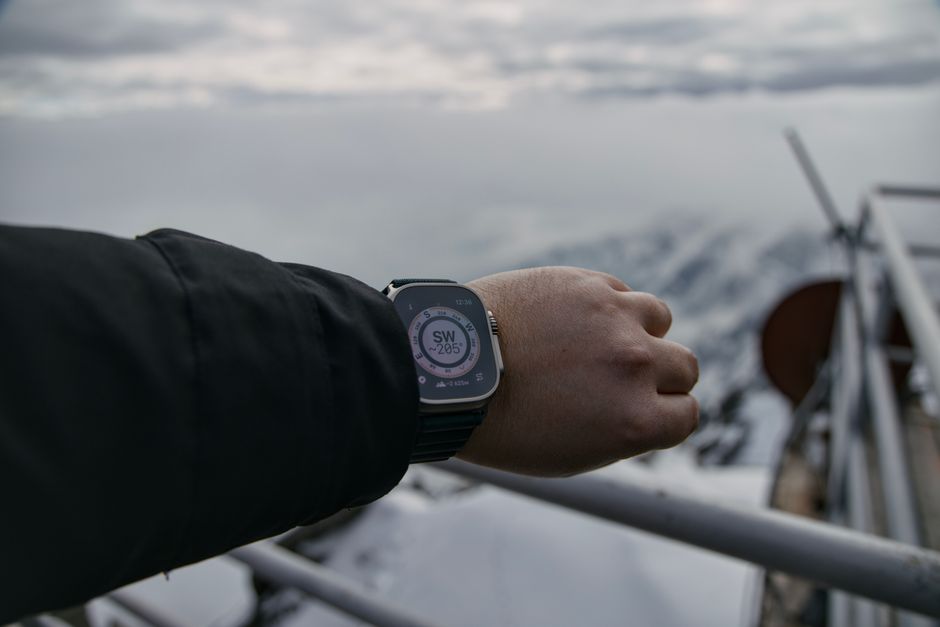
Apple Watch Ultra Sale: Compare New, Refurbished, and Used
Compare Apple Watch Ultra sale options by total cost, model features, warranty, and return protection.
Laser Welder Cost: Price the Machine and a Safe Setup
Compare listed laser-welder prices with power, gas, consumables, accessories, and safety requirements before you buy.